
City scene for camera movement
Motion
Remix this promptWatch sample videos or trim an MP4 online with no sign-up. Sign in to generate a new video from text or a photo.
Free trial: verify your email to get 30 credits for 7 days on eligible models. No automatic renewal.
Check available models and credit costs before signing in. Sign in to generate. When enabled, Wan 2.6 uses text for a fixed 5-second, 720p, 16:9 video at 3 credits. Wan 2.2 uses one JPEG, PNG or WebP up to 10 MiB and a motion prompt. Trim an MP4 in your browser and export it with or without sound.
A blue mug rests on a café table. The camera stays still while steam rises from the rim. Keep the mug and its handle in the same position.
Motion
Remix this prompt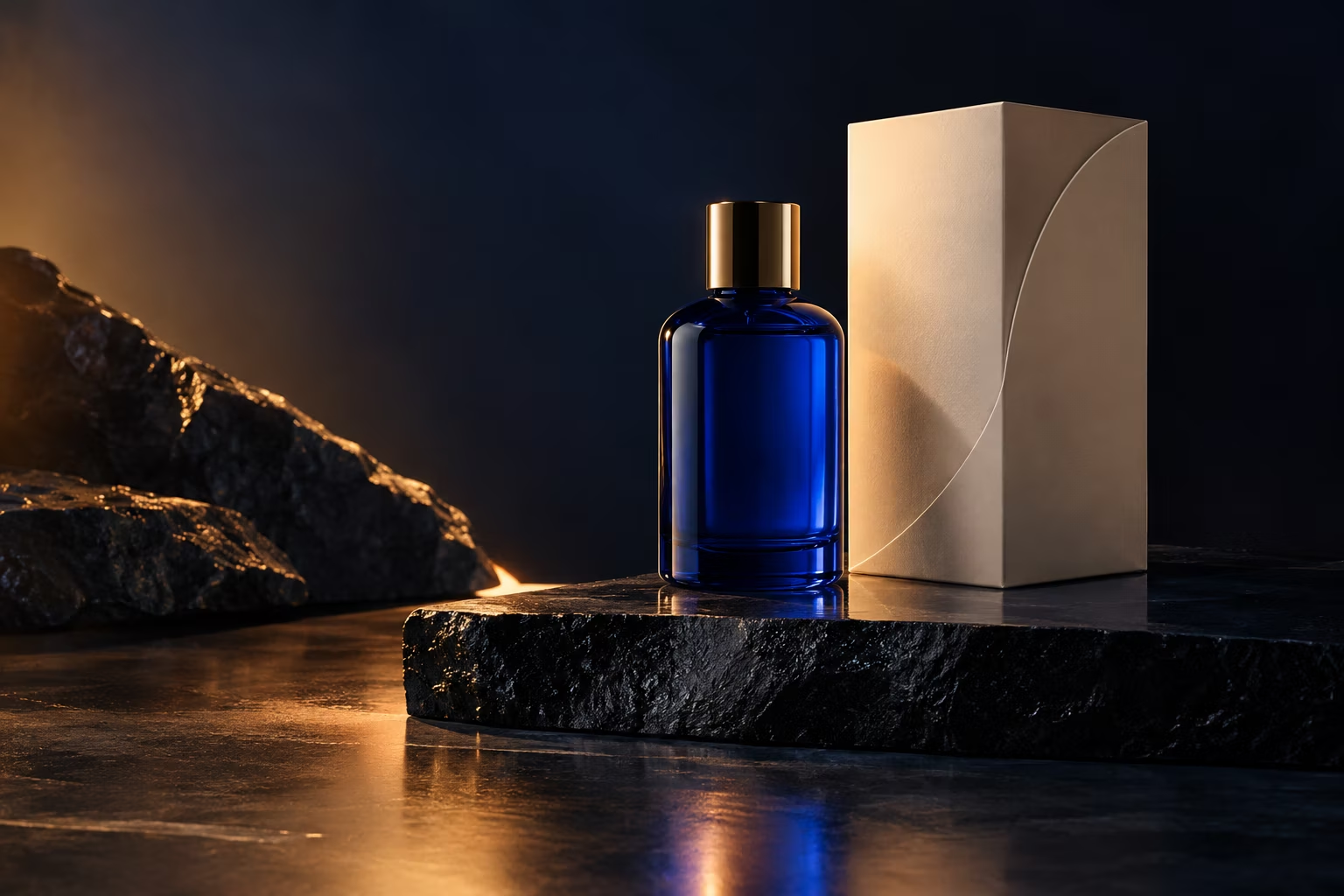
Consistency
Remix this prompt
Cost
Remix this promptDownload the files you want to keep before your private links expire. Save the prompt if you plan to use it again.
Shot, camera and motion prompting
References checked:
Compare the Wan 2.2 and Runway clips, prompts and recorded costs
Check available models and credit costs before signing in. Sign in to generate. When enabled, Wan 2.6 uses text for a fixed 5-second, 720p, 16:9 video at 3 credits. Wan 2.2 uses one JPEG, PNG or WebP up to 10 MiB and a motion prompt. Trim an MP4 in your browser and export it with or without sound.
If a job is taking longer than expected, check its status in your history before trying again. If it failed, keep the job ID and error message for support.
Watch the whole clip for identity changes, distorted objects, flicker and camera jumps. Record failures as well as successes.